RelightSnap


01
Upload your photo
Start with a clear JPG, PNG, WebP or HEIC, up to 10 MB.
A little light changes everything
Lift shadows, soften harsh light, or find a golden glow.
Keep the moment. Change the light.
Preview one photo free. Create an account to download it and get one extra credit.
Same moment. New light.
 BeforeAfter‹ ›
Real photo. Real relighting.
Drag to find the difference
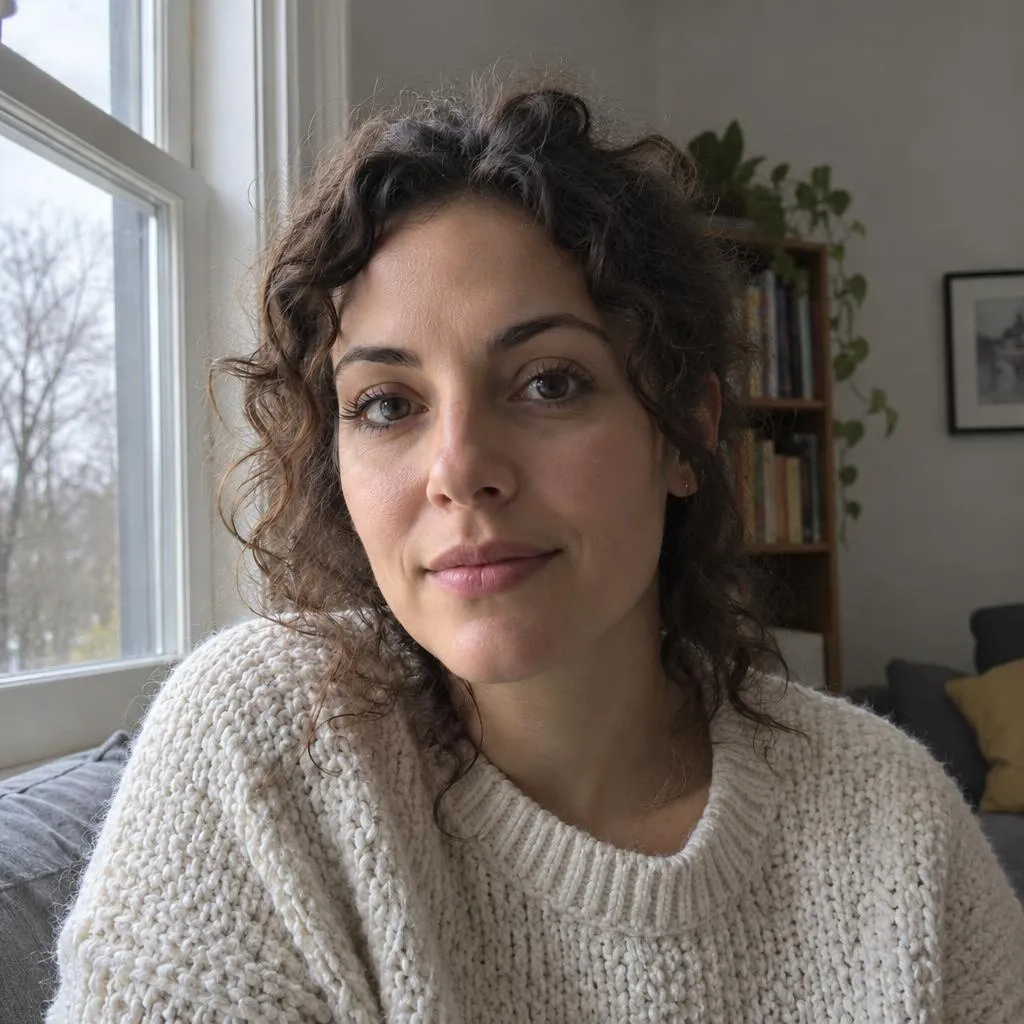
Real results of Auto fix: the photo on the left, our relit version on the right.
 BeforeAfter‹ ›
Bring a face out of a dark evening room.
 BeforeAfter‹ ›
Fix a face lost against a bright window.
 BeforeAfter‹ ›
Even out a yellow bulb and a hard shadow.
Start with a clear JPG, PNG, WebP or HEIC, up to 10 MB.

Keep Auto fix or choose a lighting look. AI rebalances the scene.

Compare the result. Create an account to download and get one extra credit.
Upload your photoOne photo free · no sign-up to previewThe beauty is in the details
Bad lighting hides the small things: the texture of a sweater, the shape of a face, the finish of a product.
Bring them back without retaking the photo. Lift heavy shadows or add soft studio light for a clearer focal point. No sliders, no layers.
A small check. A better result.
 BeforeAfter‹ ›
The difference is in the details
Make sure everyone looks natural.
Verify signs, labels or other text.
Look at details in the background too.
AI can change fine details. Compare faces, lettering and textures before sharing; information lost in deep darkness may not return.
Start free. Buy more only when you need it.
10 credits
$2.99
$0.30 / photo40 credits
$7.99
$0.20 / photo200 credits
$24.99
$0.12 / photoYes. You can preview one photo free. Create an account to download it and get one extra credit.
Upload the photo, keep Auto fix or pick a look such as Studio or Brighten, and press Relight. The AI rebalances the light in about 15 seconds.
AI may change small details. Always review faces, text and textures before sharing.
Yes. Upload a JPG, PNG, WebP or HEIC photo up to 10 MB.
Photos in your account are kept for 30 days, a guest preview for 24 hours. You can delete them earlier from your account.
Use a clear photo at least 512 pixels on its shortest side. Portraits, everyday moments and product photos all work.
Give it better light. Preview your first result free.